
Learn how digital marketers use design tips to create compelling visuals for social media, ads, email, and websites.
Discover image SEO, typography, video tips, infographics, and checklists to boost engagement and conversions.
How to Create Compelling Visuals? There Are Design Tips for Digital Marketers
Design Tips for Digital Marketers are no longer “nice to have”—they are essential for growth. Today, people scroll fast, compare brands quickly, and decide in seconds whether they trust your content. If your visuals look unclear, outdated, slow to load, or inconsistent, your marketing performance drops—even if your offer is strong.
This guide will help individuals, freelancers, business owners, and marketing teams design visuals that are:
- Easy to understand
- On-brand and professional
- Optimized for SEO and social media
- Built to increase clicks, leads, and conversions
- Suitable for today’s fast-moving platforms (Instagram, TikTok, YouTube Shorts, LinkedIn, websites)
Modern Marketing trends also highlight growing demand for AI integration, authentic branding, user-generated content (UGC), and short-form video—meaning your visual strategy must be faster, smarter, and more consistent than ever.
Understanding the Power of Visuals
Visuals influence how people feel about your brand—before they read a single word.
Why visuals work so well
- The brain understands images faster than text
- People remember visuals longer
- Visuals increase trust when they look professional and consistent
- Strong visuals improve performance across ads, landing pages, and social media
What “compelling visuals” actually mean in digital marketing
A compelling marketing visual is not just “beautiful.” It must do a job:
✅ Grab attention
✅ Communicate one clear message
✅ Guide the eye to a CTA (Call-to-Action)
✅ Match your brand identity
✅ Load fast on mobile
✅ Support conversion goals (click, signup, purchase)
Utilizing High-Quality Images
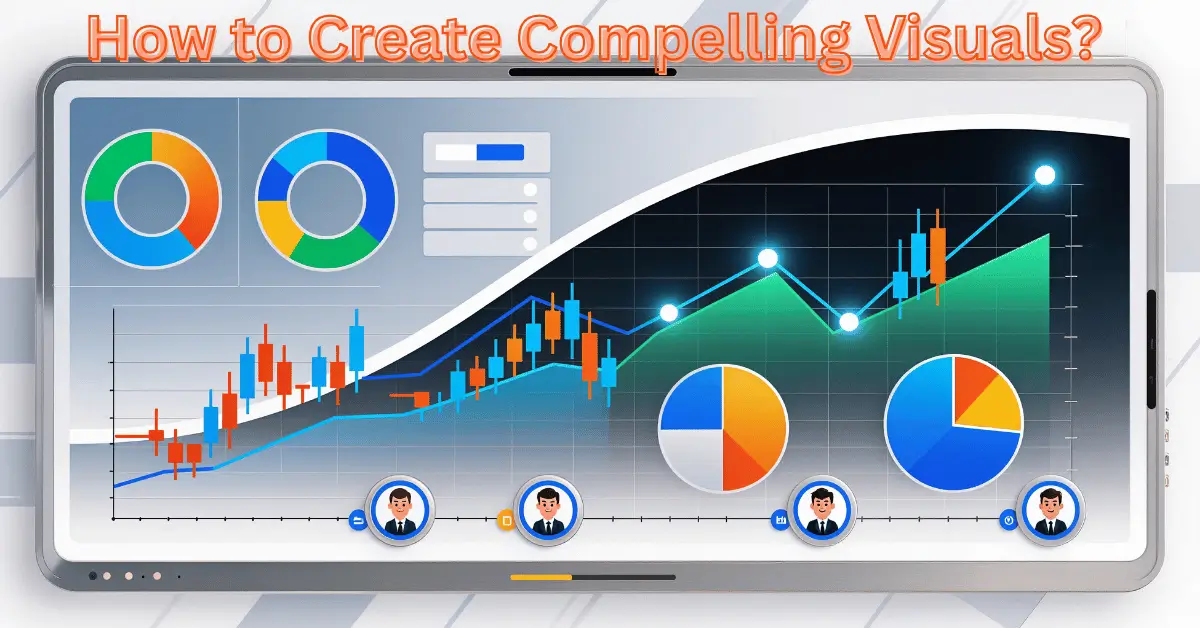
High-quality images build credibility instantly. Low-quality images reduce trust and make your brand feel unprofessional.
Best practices for digital marketers
Use images that are:
- Clear and sharp (not blurry)
- Relevant to your topic and audience
- Consistent with your brand colors and style
- Designed for the platform size (don’t stretch or crop randomly)
Image SEO matters more than ever
If your images are not optimized, your pages may load slowly and perform worse in search results.
Google recommends using:
- Descriptive filenames
- Helpful alt text
- Relevant surrounding content and captions
- Optimized landing pages for image results
Quick Image SEO Checklist (Table)
| Image Optimization Task | Why It Matters | Quick Example |
| Use descriptive file names | Helps SEO + organization | design-tips-digital-marketers.jpg |
| Write clear alt text | Improves accessibility + rankings | “Social media banner with CTA button” |
| Compress images | Improves speed + user experience | Reduce size without quality loss |
| Use modern formats | Faster loading | WebP where possible |
| Use responsive images | Better mobile performance | srcset for different screens |
| Add images to sitemap (optional) | Helps discovery | Image sitemap for large sites |
Pro Tip (for professionals): Track image improvements in PageSpeed Insights and Google Search Console to link visuals directly to performance.
How to design an infographic that looks professional?
Follow this structure:
- Headline (benefit-driven)
Example: “7 Design Tips for Digital Marketers That Boost Clicks” - Short sections (one idea per block)
Avoid overcrowding - Icons + numbers + mini charts
Keep it visual-first - Strong spacing (white space)
Clean design looks premium - One CTA at the end
“Download the checklist” or “Book a free audit”
Infographics are perfect for:
- Explaining a process
- Showing statistics
- Teaching step-by-step methods
- Increasing saves and shares on social media
Why infographics outperform plain text
Infographics reduce mental effort. Instead of reading long paragraphs, people scan and understand quickly.
Common infographic mistakes (avoid these)
- Too much text
- Too many colors (looks messy)
- Weak contrast (hard to read on mobile)
- No visual hierarchy (people don’t know where to look)

Videos: Dynamic and Engaging Content
Video is dominating marketing because it keeps users engaged longer, builds trust faster, and works across nearly every channel.
Recent marketing trend reports highlight short-form video and a stronger focus on authentic branding and UGC.
Video content that performs well
- Product demos (quick and clear)
- Before/after transformations
- Customer stories/testimonials
- Educational “how-to” mini tutorials
- Short series content (“Part 1 / Part 2”)
How to create compelling videos (simple workflow)
Step 1: Start with a hook (first 2 seconds)
Example: “Most ads fail because the design is wrong…”
Step 2: Show one main idea
Do not mix 4 messages in one video.
Step 3: Use subtitles
Many people watch on mute.
Step 4: Add brand elements lightly
Logo + consistent fonts/colors, but don’t overdo it.
Step 5: End with one CTA
Example: “Save this checklist” / “Get the free template”
Video SEO Tips (easy wins)
- Add tags related to your topic (platform dependent)
- Include keywords in the title and description
- Use clear thumbnail text (2–5 words)
To create compelling videos, consider the following tips:
- Develop a storyboard to outline the structure and flow of your video.
- Utilise high-quality equipment and ensure proper lighting and sound conditions.
- Keep your videos concise and to the point, catering to the average attention span of viewers.
- Incorporate your brand elements, such as logos or color schemes, to maintain consistency.
- Optimize your video for SEO by adding relevant titles, descriptions, and tags.
Typography: Conveying Messages with Style
Typography is not “decoration.” It is a conversion tool.
Why typography affects marketing results
Typography impacts:
- Readability
- Trust (professional look)
- Attention and scanning behavior
- Brand personality
Typography trends for 2026 also show a shift toward more expressive type and stronger storytelling through text design.
Typography rules digital marketers should follow
1) Use only 2 fonts
- One for headings
- One for body text
2) Prioritize readability
- Avoid thin fonts
- Avoid fancy fonts for long text
3) Create a clear hierarchy
Use:
- Big headings
- Medium subheadings
- Simple body text
4) Keep text spacing clean
- Proper line height
- Enough padding around text
Font Mistakes That Reduce Conversions
- Tiny text in ads (unreadable on mobile)
- Low contrast (grey text on light backgrounds)
- Too many font styles (looks unprofessional)
Interactive Elements: Engaging Your Audience
Interactive content increases engagement because people stop scrolling and participate.
Best interactive content ideas for digital marketers
- Quizzes (“Which design style fits your brand?”)
- Polls and surveys
- Calculators (pricing, ROI, savings)
- Interactive carousels
- Click-to-reveal tips (“Tap to see the solution”)
Why interactive elements work
They create:
- More time on the page
- Better learning and retention
- Higher conversions (because the user feels involved)
Important: Always test interactive elements on mobile so the experience stays smooth.
New Challenges for Digital Marketers (And How to Solve Them)
Modern design problems are different from 3 years ago. In 2026, the biggest challenges include:
1) Content overload (everyone is posting)
Problem: Your design blends in.
Solution: Use clear differentiation:
- Strong headline visuals
- Simple layouts with one message
- A unique brand style (not generic templates)
Design trends are shifting toward more human, warm, textured visuals, partly as a reaction to overly polished and AI-generated content.
2) Faster platforms + shorter attention spans
Problem: Users decide instantly.
Solution: Design for quick scanning:
- Big text
- Bold contrast
- Minimal clutter
- One CTA
3) Mobile-first design pressure
Problem: Desktop designs break on mobile.
Solution: Create mobile versions first:
- Center the main message
- Use large readable fonts
- Use vertical layouts
4) Performance + SEO requirements (speed matters)
Problem: Heavy visuals slow down your site.
Solution: Compress + modern formats + structured best practices.
5) Color and conversion decisions
Problem: Colors look “good” but don’t convert.
Solution: Use color psychology strategically for attention and trust. Some studies and marketing analysis reports that color can strongly influence perception and conversions.
Why and How These Design Tips Solve Real Problems
This section is practical—especially for individuals and professionals who need results, not just theory.
If you are an individual (creator, freelancer, small business)
Your main challenge: You need good design fast, without a big budget.
Your solution using this guide:
- Use templates, but brand them properly (colors, fonts, spacing)
- Follow the image + typography rules above
- Focus on clarity, not decoration
- Build 5 reusable layouts (post, story, ad, carousel, banner)
Outcome: Your brand starts looking consistent and professional—even with simple tools.
If you are a professional (marketer, agency, business team)
Your main challenge: You need scalable design systems and performance tracking.
Your solution using this guide:
- Create a brand kit (fonts, colors, logo rules)
- Build a visual content workflow (design → review → publish → measure)
- Standardize sizes for every platform
- Use SEO image rules + speed optimization
- Test design variations like headlines, CTA colors, layout order
Outcome: Better conversion rates, higher engagement, and faster content production.
Visual Content Comparison Table (What to Use and When)
| Format | Best For | Strength | Watch-Out |
| Static Images | Ads, blogs, landing pages | Fast to consume | Must be sharp + optimized |
| Infographics | Education, stats, guides | High saves/shares | Can get crowded |
| Short Videos | Social media growth | High engagement | Needs strong hook |
| Long Videos | Tutorials, trust-building | Deep authority | Harder to produce |
| Interactive Content | Lead generation, engagement | High participation | Must be mobile-friendly |
Conclusion
To win in digital marketing today, you must create visuals that are not only attractive—but strategic, consistent, mobile-friendly, and optimized for SEO.
By applying these design tips for digital marketers, you will:
- Improve brand trust and recognition
- Increase engagement across platforms
- Boost website performance and SEO
- Create content that converts viewers into customers
If you want the biggest results with the least effort, start with three upgrades:
- Stronger typography hierarchy
- Better image optimization + speed
- Clear one-message layouts with one CTA
These changes alone can transform your content quality and marketing results.
FAQs (Design Tips for Digital Marketers)
Q. What are the best design tips for digital marketers in 2026?
Focus on clarity, mobile-first layouts, consistent branding, fast-loading images, and short-form video design. Marketing trends also highlight AI integration, UGC, and authenticity as key drivers.
Q. How do I make my social media graphics more professional?
Use:
- 2 fonts only
- 1 main message per design
- Strong contrast
- Consistent brand colors
- Proper spacing and alignment
Professional visuals look clean, not crowded.
Q. What is the best image size for website SEO?
There is no single “perfect size,” but the best practice is:
- Compress images
- Use responsive sizes
- Use modern formats like WebP
- Add descriptive alt text and filenames
Q. How do I write SEO-friendly alt text?
Keep it clear and descriptive:
- Explain what’s in the image
- Add context related to the page topic
- Avoid keyword stuffing
Google values useful, relevant descriptions.
Q. Are infographics still effective for digital marketing?
Yes. Infographics work especially well for:
- Summarizing complex topics
- Increasing shares and savings
- Presenting statistics clearly
They perform best when they are simple, clean, and easy to scan.
Q. What’s the biggest design mistake in digital marketing?
The most common mistake is trying to say too much in one design. A high-performing visual communicates one main idea and guides the viewer to one action.
Read more about Digital Marketing.